Automation
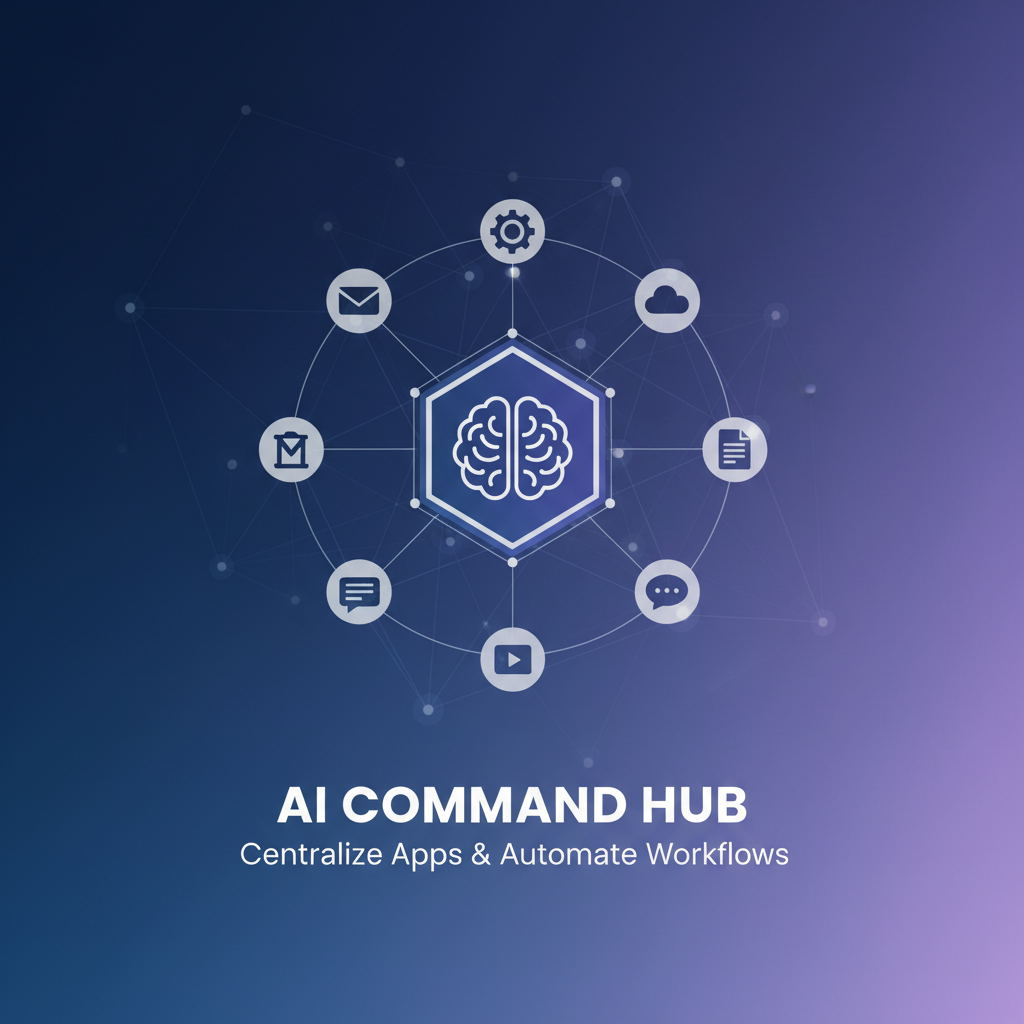
AI Command Hub: Centralize Apps & Automate Workflows
07 January 2026
2 דקות קריאה
8 צפיות
Quick AI Summary
The AI command hub allows users to consolidate all necessary applications in one place. This helps improve productivity and reduce the burden of switching between apps.
אוטומציה
פרודוקטיביות
ממשק
יישומים
AI
מאמרים קשורים
Automate Inventory Analysis: No-Code ABC Classification Guide for Israeli Businesses
Revolutionize your inventory by connecting יצירת לידים to your ניהול מלאי באקסל. Discover how automation streamlines ABC classification for Israeli growth.
2 דקות קריאה
חיזוק קמפייני אימייל עם מעקבים אוטומטיים | n8n ותובנות אוטומציה מישראל
שדרגו את מערך השיווק שלכם עם פולו אפ אוטומטי חכם. בעזרת n8n ופתרונות אוטומציה מתקדמים, תוכלו להפוך לידים קרים ללקוחות משלמים בצורה יעילה ומדויקת.
2 דקות קריאה
עוזר WhatsApp מבוסס בינה מלאכותית: הפ צ'אטים למנוע פרודוקטיביות
הפוך את WhatsApp לעוזר הפרודוקטיביות הבינה המלאכותית שלך הפוך צ'אטים יומיומיים למנוע פרודוקטיביות עם יכולות AI לניתוח הודעות, עיבוד הודעות קוליות וניתוח מסמכים מיידי - הפיכת WhatsApp לעוזר דיגיטלי דינמי. עסקים ישראליים מאמצים אוטומציה דומה …
2 דקות קריאה
Master WhatsApp Efficiency: Scale Your Business with AI Automation
Turn WhatsApp into Your AI Productivity Assistant Transform everyday chats into a productivity powerhouse with AI-powered message interpretation, voice note processing, and instant document analysis – turning WhatsApp into a dynamic digital…
2 דקות קריאה
ניתוב שאילתות חכם ל-AI: הפחתת עלויות ושיפור ביצועים
למדו כיצד n8n אוטומציה הופכת את ניתוב השאילתות לחכם ויעיל יותר, ומעניקה פתרונות טכנולוגיים לעסקים השואפים למקסם ביצועים ולחסוך בעלויות ה-AI שלהם.
2 דקות קריאה
מצאנו עבורך תכנים נוספים שיעשירו את הידע שלך 📚
שאלות ותשובות
What is an AI command hub?
An AI command hub is a centralized interface that integrates multiple applications like email, calendar, and file storage, allowing users to control and automate workflows through simple chat commands.
Which platforms can be integrated into the AI command hub?
You can consolidate tools such as Google Calendar, Gmail, Google Drive, LinkedIn, and Twitter into a single hub using the n8n no-code platform.
Do I need coding skills to build an AI command hub?
No, the solution is built on n8n's no-code platform, which allows you to connect APIs dynamically without requiring any coding expertise.
What are the primary benefits of using an AI command hub?
The primary benefits include reduced manual work, elimination of app-switching, increased reliability through error reduction, and improved operational efficiency.
הוראות שלב אחר שלב
1
Access the n8n platform
Get started by accessing the n8n no-code platform to begin building your integration architecture.
2
Connect your applications
Link your essential tools including Gmail, Google Calendar, Drive, and social media accounts to the central hub via API connections.
3
Configure AI chat commands
Set up natural language commands that allow you to automate tasks like drafting emails, scheduling meetings, and retrieving files.
4
Deploy and test workflows
Implement the configured workflows and test them to ensure seamless task automation and synchronization across your integrated applications.
תגובות (0)
אין תגובות עדיין. היה הראשון להגיב!
שתף מאמר
קטגוריה
Automation
Guides and tips for business process automation
מאת
O
Omer Dahan
כותב/ת