אוטומציה של פניות: Google Sheets & n8n Integration Guide
The Hidden Cost of Manual Lead Tracking
Ever spent countless hours double-checking your Gmail sent folder only to realize prospects received duplicate emails? Managing outreach through Google Sheets without proper אוטומציה של פניות creates chaotic lead tracking for solopreneurs and small teams. Discover how to create an automated system that sends personalized emails once and marks leads as 'contacted'—without manual work. Israeli banks, logistics companies, and startups increasingly adopt such systems to maintain precision in high-volume outreach.
How אוטומציה של פניות Solves Your Tracking Problems
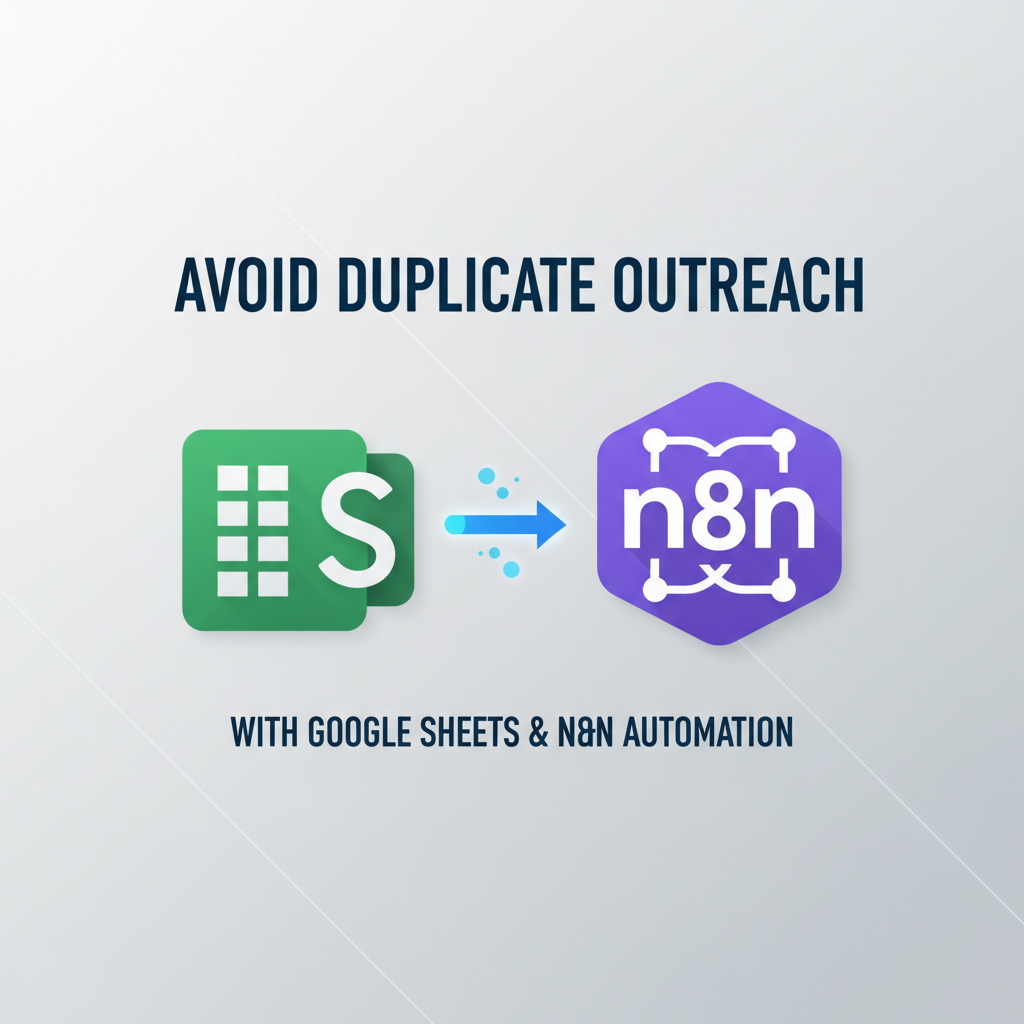
When new leads appear in your spreadsheet, n8n triggers scheduled automations (e.g., daily at 9:00 AM). The workflow checks for uncontacted leads, sends customized emails, and updates sheets in real-time—eliminating duplicates and skipped follow-ups. Integration tools like does.center complement this process, offering Israeli businesses a seamless way to connect workflows with existing Israeli tech ecosystems.
The Core Logic of אוטומציה של פניות
To build a successful אוטומציה של פניות system, your workflow must act as a gatekeeper. By utilizing n8n, you can set up a 'Lookup' node that scans your Google Sheets for existing contact timestamps before any email is dispatched. This logic ensures that even if a lead is entered into your system twice, the automation recognizes the 'contacted' status and skips the execution. This technical safeguard is essential for maintaining a professional brand image and avoiding the spam-like behavior that manual tracking often causes. Furthermore, integrating a 'Wait' node allows for intelligent spacing between follow-ups, making the entire sequence feel natural rather than robotic.
6 Key Benefits of Automating Email Outreach
1. Error-Proof אוטומציה של פניות
Automatically marked contact statuses eliminate spreadsheet guesswork. Instantly see outreach progress and plan follow-up strategies confidently.
2. Dynamic Email Personalization
Include name tokens and inquiry-specific details in automated emails for a high-quality חוויה מותאמת אישית that boosts engagement rates.
3. Regain Hours Every Week
Replace manual emailing with automated workflows that handle lead capture-to-engagement while you focus on business growth.
4. Never Duplicate Outreach Again
Real-time status updates prevent accidental repeat emails that irritate prospects and damage credibility.
5. Google Sheets as Your Free CRM
Integrate n8n with existing Sheets instead of buying expensive CRM software—perfect for bootstrapped businesses. In Israel, platforms like does.center further enhance this approach by simplifying workflow connections for local needs.
6. Consistent Prospect Nurturing
Automated morning emails ensure no lead goes unanswered, building trust through reliable communication.
Real-World Success: Freelancer Outreach Transformation
Sarah, a digital marketer, implemented אוטומציה של פניות for her client spreadsheet using n8n. Daily 9:00 AM triggers send intro emails and update statuses—freeing 12+ weekly hours and increasing response rates by 40%. Similar efficiency gains are reported by Israeli research institutions using intelligent scheduling automations.
Scalable System for Growing Businesses
Filter leads in Sheets effortlessly as your volume increases. Add conditional logic or multi-step follow-ups (e.g., second emails after 7 days) without additional setup complexity.
Your Automated Outreach Launchpad
Ready to eliminate manual tracking? Get our free step-by-step guide to n8n and Google Sheets integration—even with limited technical skills.
Why Automation is Your Outreach Game-Changer
Integrating Google Sheets with n8n transforms lead management through professional אוטומציה של פניות: zero duplicates, personalized touches, and reclaimed time. Install this system once to secure organized, scalable outreach that drives conversions—whether you're in Tel Aviv or scaling globally.
Why Google Sheets is the Ideal Engine for Outreach Automation
While expensive CRMs offer built-in tools, using Google Sheets for אוטומציה של פניות offers unparalleled flexibility. For Israeli startups and freelancers, the ability to create a 'מותאמת אישית' (customized) interface without code is a massive advantage. You can easily add columns for 'Lead Score' or 'Last Interaction' which n8n can then use to branch your automation logic. For instance, you could trigger a different email template for high-value prospects versus standard inquiries. This synergy between a familiar spreadsheet environment and powerful backend automation creates a high-performance CRM alternative that scales with your business needs without increasing monthly overhead.