Building Automations: Optimizing Workflow Processes and Software for Collaborative Work (תוכנה לעבודה שיתופית)
Building Automations with Software for Collaborative Work (תוכנה לעבודה שיתופית)
In the quest for efficient workflow processes, utilizing modern software for collaborative work (תוכנה לעבודה שיתופית) demands robust infrastructure to manage complex team interactions through building automations (בניית אוטומציות). Three critical innovations directly drive this improvement and enhance overall productivity:
The Synergy of Team Communication and Building Automations
Effective use of software for collaborative work (תוכנה לעבודה שיתופית) is more than just sharing a codebase; it is about creating a friction-less environment where building automations (בניית אוטומציות) handles the cognitive load of coordination. When workflow processes are properly optimized, developers can focus on problem-solving rather than administrative overhead. By integrating communication streams with automated status updates, teams achieve a state of 'flow' that is only possible when the underlying infrastructure is resilient. This synergy ensures that every team member is aligned with the project's current state, reducing the risk of redundant work or misaligned objectives.
The Evolution of Collaborative Working Tools in Automation
The landscape of software development is shifting from isolated task management to integrated software for collaborative work (תוכנה לעבודה שיתופית) that lives within the automation layer. When building automations (בניית אוטומציות), the objective is to create a seamless bridge between individual coding effort and collective output. Modern tools are no longer passive repositories; they are active participants in the development lifecycle, providing real-time feedback and intelligent conflict resolution. By prioritizing the optimization of workflow processes (תהליכי עבודה), teams can leverage these tools to ensure that every code commit and deployment is part of a larger, well-oiled machine.
The Autosave Advantage
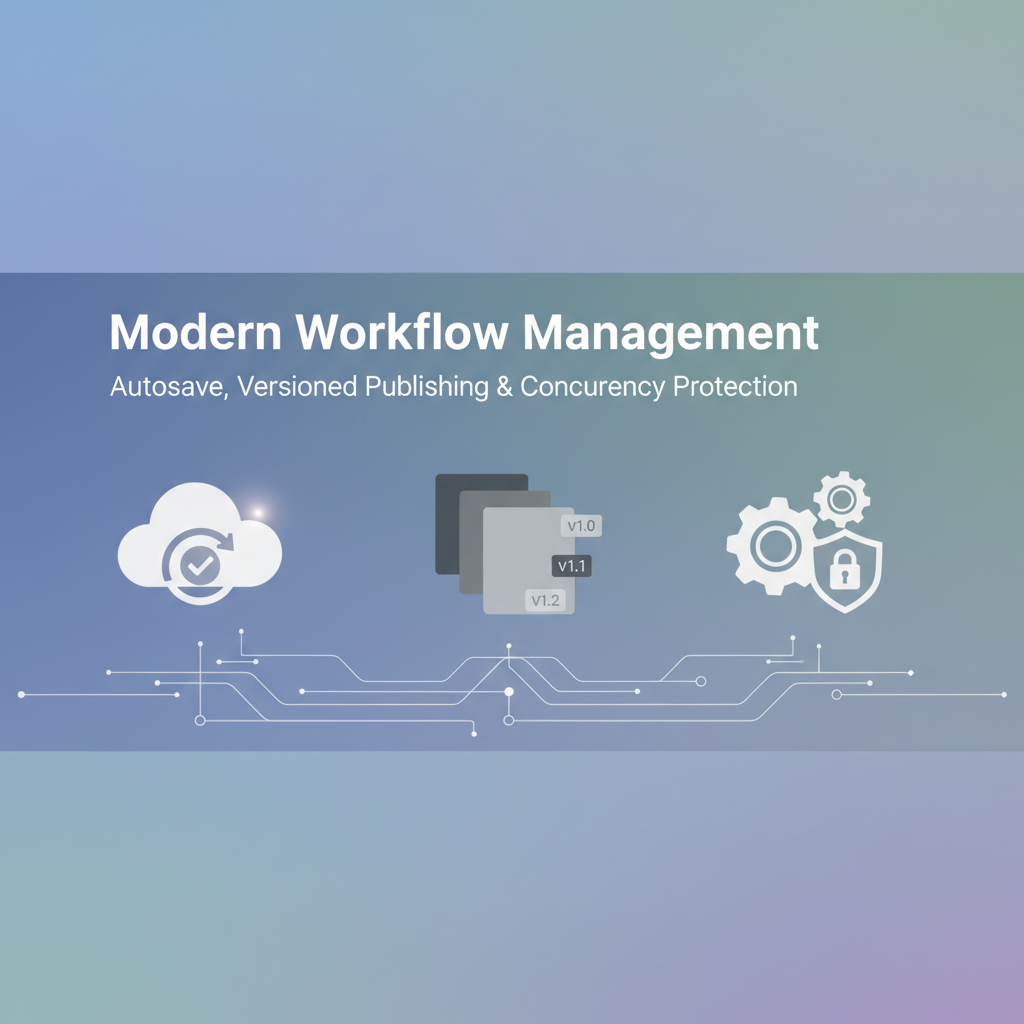
Continuous background saving eliminates manual saves and prevents data loss during unexpected interruptions. Benefits include:
- Real-time progress preservation
- Crash recovery protection
- Uninterrupted creative focus
In the Israeli tech ecosystem, companies like does.center specialize in automation solutions that integrate autosave functionality to streamline development and reduce operational risks.
Managing Workflow Processes with Versioned Publishing
In the context of collaborative working tools, maintaining detailed historical snapshots of every deployment with version tracking features is essential:
- Rollback capabilities to stable iterations
- Audit trails for issue tracing
- Risk-free experimental deployments
Israeli research institutions and organizations benefit from versioned publishing to ensure compliance and maintain traceability in complex projects.
Workflow Stability: Concurrency Protection Mechanisms
Effective use of software for collaborative work (תוכנה לעבודה שיתופית) relies on conflict-free coordination through simultaneous edit management:
- Mutually exclusive resource locking
- Overwrite prevention protocols
- Parallel development enablement
These concurrency controls have proven valuable in improving workflow processes for Israeli banks, hospitals, and logistics companies, where coordinated multi-team collaboration is critical.
Real-World Implementation Scenarios
These features create synergistic benefits across development phases:
Application Development Lifecycle
Mobile app teams leverage autosave during UI/backend work while using version control for test deployments and concurrency management for shared components. Solutions from providers like does.center facilitate these practices within Israeli software development environments.
Cross-Industry Applications
Content management systems utilize these features for multi-author editorial workflows, while EdTech platforms maintain curriculum version histories.
The Strategic Impact of Building Automations
Beyond technical benefits, these innovations are fundamental to scaling the use of software for collaborative work (תוכנה לעבודה שיתופית), transforming operational approaches by building automations for complex systems:
- Automated risk management replacing manual processes
- Enhanced compliance through audit trails
- Scalable solutions that ensure the optimization of workflow processes for everyone from individual developers to enterprise teams
Scaling with Collaborative Working Tools and Shared Infrastructure
As teams grow, the complexity of managing software for collaborative work (תוכנה לעבודה שיתופית) increases exponentially. Standard workflow processes that work for a pair of developers often fail at the enterprise level. This is where building automations (בניית אוטומציות) becomes a necessity rather than a luxury for scaling teams. Implementing shared infrastructure that includes centralized locking mechanisms and automated environment provisioning allows large organizations to maintain the agility of a startup. By focusing on the optimization of workflow processes at the architectural level, businesses can ensure that their collaborative development work remains scalable and robust against the challenges of rapid growth.
The Role of SaaS in Process Automation
Integrating specialized SaaS tools into your development stack is a primary driver of process automation. By offloading maintenance tasks to cloud-based infrastructure, teams can focus on core feature development. Automation plays a pivotal role here, where tools like does.center provide the backbone for seamless integration, ensuring that every part of the development cycle—from coding to deployment—is optimized for speed and reliability.
The Strategic Value of Modern Collaborative Software
When selecting software for collaborative work (תוכנה לעבודה שיתופית), organizations must look beyond basic chat features and focus on deep integration with their automation stack. Modern collaborative software serves as the central nervous system of a development team, managing not just communication but the state of the project itself. By integrating these platforms with CI/CD pipelines and automated testing, teams can reduce the friction of handovers and minimize human error during complex deployments. This shift towards more integrated environments allows for a high degree of transparency, where progress is measurable and bottlenecks are identified automatically before they impact the release schedule.
Selecting the Right כלי עבודה שיתופיים for Your Tech Stack
Choosing the right collaborative working tools (כלי עבודה שיתופיים) is critical for any organization focused on building automations. The ideal toolset should support deep integration with existing CI/CD pipelines and provide transparent workflow processes for all stakeholders. In the Israeli high-tech sector, the emphasis is often on tools that offer high degrees of customization and API access. This allows for the improvement of workflow processes (שיפור תהליכי עבודה) by enabling custom scripts to handle repetitive tasks, ensuring that the collaborative environment evolves alongside the project's technical requirements.
Designing Resilient Workflow Processes
Designing resilient workflow processes requires a deep understanding of both human and technical bottlenecks. It is not merely about implementing tools, but about creating a system where process automation supports the natural progression of tasks. By mapping out every stage of the development lifecycle, organizations can identify where manual intervention is causing delays. Integrating features such as autosave and automated versioning into these workflow processes ensures that no effort is wasted and that every contributor has a clear path forward. This architectural approach to productivity is what separates high-performing teams from those struggling with technical debt and miscommunication.
Scaling Efficiency with Automated Infrastructure
The transition from manual management to comprehensive process automation marks a significant milestone for any tech organization. By implementing automated infrastructure, teams can minimize human error and ensure that repetitive tasks are handled by software agents. This shift allows developers to focus on high-level architecture and complex problem-solving rather than mundane maintenance. Furthermore, process automation facilitates seamless scaling; as projects grow in complexity, automated systems like concurrency protection and versioned publishing act as the glue that keeps distributed teams aligned.
Best Practices for Building Automations in 2024
When you start building automations, the focus should be on modularity and error handling. For Israeli tech firms, this means creating systems that are not only efficient but also compliant with international security standards. Successful building automations (בניית אוטומציות) require a balance between rigidity and flexibility, allowing the system to handle edge cases without human intervention. By integrating robust logging and monitoring early in the development cycle, teams can ensure their automated workflows remain stable as they scale. This proactive approach to building automations reduces technical debt and allows for smoother 'תהליכי עבודה' across global distributed teams.
Implementation Considerations
Successful adoption within collaborative development work requires workflow adjustments but delivers long-term efficiency through:
- Team training initiatives
- System integration planning
- Historical data migration strategies
Measuring the Success of Your Workflow Processes
To validate the effectiveness of process automation, organizations must track key performance indicators (KPIs). Look for a reduction in merge conflicts, faster recovery times after system crashes, and an increase in the frequency of stable releases. These metrics not only prove the value of technical features like autosave and versioned publishing but also highlight the ROI of investing in modernized workflow processes.